You have a shortlist of AI tools and a budget conversation coming up. Every demo looked polished, and every vendor promised your team would get time back. Most guides to AI software for business list dozens of tools and leave you to sort them out. This one gives you a way to choose. It explains which kind of AI software fits your problem and when a subscription is enough. It also covers when the work needs building, and the checks to run on any vendor before you sign. We hold ourselves to those same checks.
The three kinds of AI software for business
Almost everything sold as AI software falls into one of three kinds. Most of the wasted spend we see comes from buying the wrong kind for the problem.
- AI inside the tools you already pay for. Your accounting package and your CRM now ship with assistants that summarise and draft inside the app.
- Standalone AI tools. General assistants and transcription tools that anyone on the team can open in a browser and use for their own work.
- Custom agents connected to your systems. Software built around your ERP and your customer channels that follows your company's rules and writes the result back where your team works.
What separates them is where the work happens. If a job starts and ends inside one app, the first two kinds usually cover it. Some jobs start on WhatsApp, pass through your price list and have to end as an order in the ERP. Neither of the first two kinds reaches that far.
Buy off the shelf when the work stays inside one tool
A subscription is enough when all of these hold:
- The task lives in one application.
- The inputs are clean and arrive in a predictable form.
- No company rules, such as your discount structure or approval limits, have to be applied.
- Nobody else's system has to change for it to work.
When they do, a subscription is the cheapest option and the quickest to pay back. We recommend it often, including to companies that came to us expecting a build.
Switch on the AI you already pay for first
Before adding a vendor, look at what is already in your licences. Many accounting and CRM products have added AI features that sit unused because nobody switched them on or showed the team how to use them. Drafting a customer reply inside the CRM or categorising expenses inside the accounting tool are jobs these features handle well. The data is already there, and the output stays there.
Where standalone AI tools earn their place
A general assistant is worth paying for when people need help with their own work, such as drafting a letter or summarising a long contract before a supplier meeting. Transcription is worth it when calls or meetings need a written record. These tools make one person faster at their own job. They do not move work between people or systems, so be wary of any vendor who sells them as if they did.
If you cannot tell which side of the line a bottleneck falls on, our free AI Opportunity Scan on one bottleneck gives you a written report on that single problem, including whether a tool you can buy would solve it.
Build when the work crosses your systems and your customers
The signals for custom work look different. Watch for these:
- Orders arrive on WhatsApp or email as free text, in the customer's own words and language.
- Supplier catalogues come in different formats, each with its own part numbering.
- Your own promotions and pricing rules decide what the customer actually pays.
- The result must end up in the ERP, and a spreadsheet kept beside it will not do.
One of these alone can sometimes be handled with a tool. When several show up in the same process, you are looking at a build.
What a built agent does that a tool cannot
A pharma manufacturer founded in 1948 had pharmacies ordering on WhatsApp, each in their own language. We built an AI agent that reads the message, searches a catalogue of 2,432 products, applies the promotions active for that pharmacy and enters the order in Odoo, their ERP.
Almost every order now goes in without anyone typing it, and the few the agent cannot settle reach someone on the team. A subscription cannot do this. The work starts in the customer's chat and has to finish in the ERP, with the company's commercial rules applied on the way. You can read how the pharma order desk was built on WhatsApp and Odoo.
The same pattern shows up in purchasing. An auto parts distributor with 70,000 parts and more than 100 suppliers received catalogues in different formats and numbering. An agent now reads sales and stock alongside those catalogues and proposes the order per supplier. Supplier ordering went from about a month to about a day. Along the way, the agent surfaced slow moving stock the ERP had never shown.
Retail works the same way. A pharmacy chain with 11 stores uses an AI analyst that works across its stock and sales data, replenishment and margins included. Each morning it prepares the order for every pharmacy, and the pharmacist approves it with one click.
When an industry platform fits better than either
Some problems repeat across a whole industry. For those, a platform built for that industry can beat both a generic tool and a custom build. We built Kantio for construction: site notes and photos become a priced, branded offer the same day. A construction firm in Italy that three Albanian brothers founded from zero uses it to produce its offers, and EUR 1.5 million of offers have gone out through Kantio. If a platform for your industry exists and fits how you work, buying it usually costs less than building the same thing again for one company.
What to check before you sign with any AI vendor
Run these checks on every vendor on your shortlist, us included.
- Does it write into your ERP, or only read it? Reading data and producing a report is the easier half. The value usually sits in the order or purchase order landing correctly in the ERP.
- What happens when it is unsure? Ask who sees those cases and how they get resolved. A system that hands over when it is unsure is safer than one that guesses.
- Does it work in your customers' languages? Test it on real messages from your customers, with their abbreviations and their spelling mistakes left in.
- Who owns the data, and what security standard does the vendor hold? Ask whether your data is used to train models outside your company, and ask to see the certification.
- How will you measure it, and how do you leave if it fails? Find out whether you get your data and your integrations back in a form you can use.
We wrote a longer set of questions to ask before hiring an AI automation agency if you want to go further.
Ask for a demo on your own messy data
A demo on the vendor's sample data proves the interface works. Send them real examples instead, like a WhatsApp order with a misspelled product name or a customer who switches language halfway through a message. Include the supplier price list your team dreads opening. Watch what the system does with each one, and pay closest attention to what it does when it gets one wrong.
Agree the number you will check before go live
Pick one number from your own operation and write down where it stands today. Orders typed in by hand each day works, as does the time from receiving a supplier price list to sending the purchase order. Agree with the vendor that this is the number you will both review after launch. If a vendor will not commit to a number you can check in your own system, that tells you a lot about how the project will go.
How we decide with you what to buy and what to build
The AI Assessment runs in three stages: Assess, Build, Adopt.
In Assess, we map where AI would save your company the most time and money. If a tool you can buy is enough, we tell you which one. Some clients leave with a short list of features to switch on and subscriptions to buy, and no build at all.
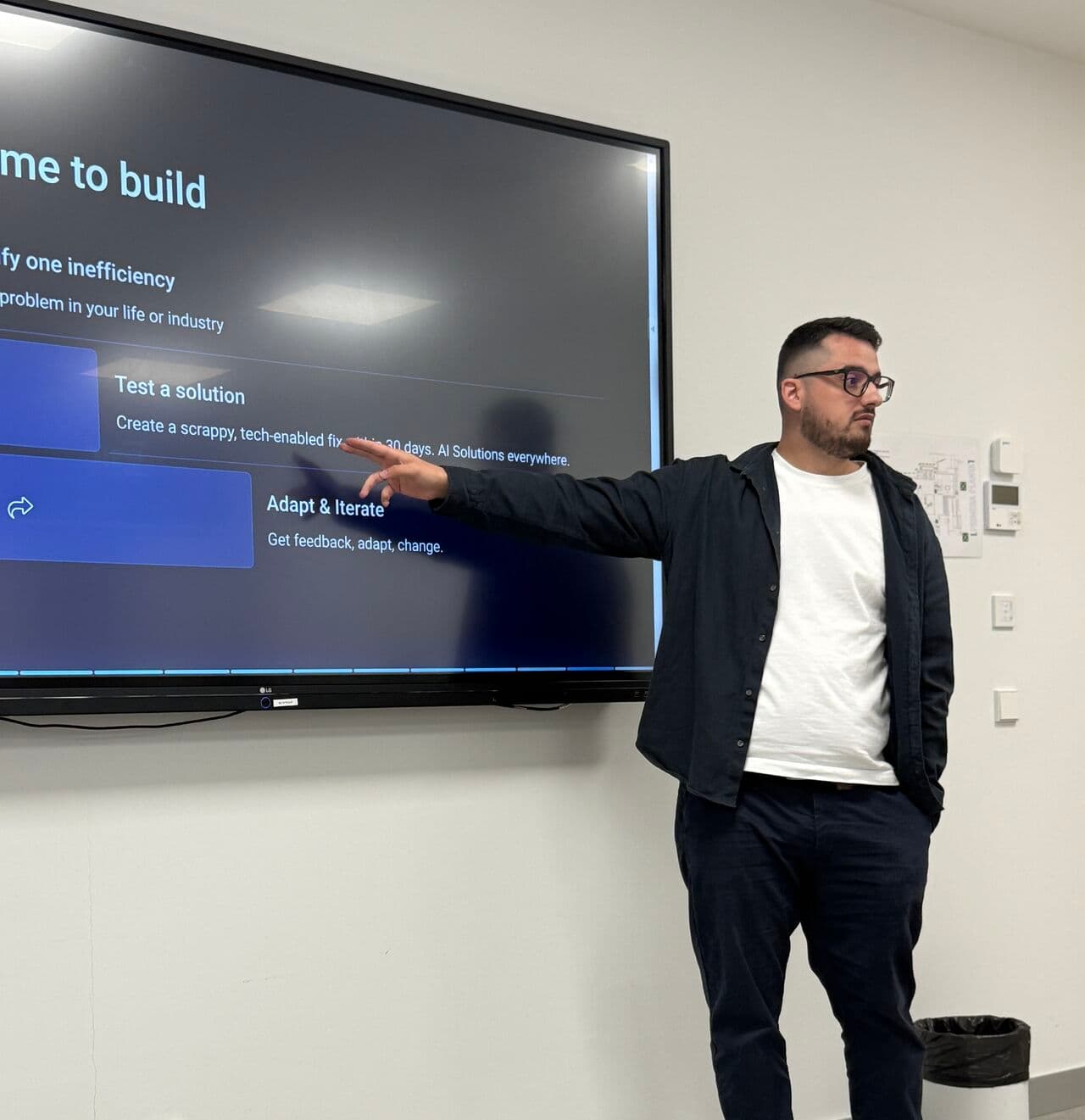
In Build, we build only what pays back. Every build is estimated in hours before it starts, so you see the size of the work before you commit. Our article on what a custom AI agent costs explains what drives that estimate. If you want to test an idea first, MVP Studio delivers an MVP in 30 days.
In Adopt, we work with the people who will use the system every day until it becomes part of how they work, including how they handle the cases the agent hands back.
From you we need one owner who can make decisions, plus access to the systems involved. Ledian Shera, our founder, leads every assessment. He has more than 10 years in technology and is rated in Toptal's top 3%.
Almost all of what we build touches your customer and pricing data. AlbTech Solutions is ISO 27001 certified and a partner of OpenAI and Anthropic, and that matters once your data passes through the system.
Mistakes we see when companies buy AI software
The same patterns come up again and again.
- Buying a platform before naming the process. If you cannot say which job gets faster, nobody will be able to tell whether it worked.
- Piling up overlapping subscriptions. Different teams buy different assistants that do the same thing, and a few months later nobody opens any of them.
- Judging on a clean demo. The vendor's sample data never has your typos or your promotions in it.
- Nobody owning adoption after launch. The system goes live, the people who were meant to use it keep the old habit, and the spend quietly becomes waste.
- Replacing the ERP when connecting to it was enough. An agent can work with the ERP you already run. Replacing it is a much larger project, and it rarely solves the problem that started the conversation.
If you already know which processes are costing you the most and want a plan for what to buy and what to build, plan it with an AI Assessment. The first step is a conversation about how the work runs today. If a tool is enough we will tell you, and any build comes with an estimate in hours, so you can decide before committing to anything.
Frequently Asked Questions
What can I actually use AI software for in a business like mine?
Start with the jobs where someone retypes information from one place into another, such as orders from chat into the ERP or supplier price lists into purchase orders. These pay back most clearly because the before and after are easy to measure. Writing help and meeting notes are useful too, but they speed up individuals more than the business.
How do I choose between AI software companies when every demo looks good?
Give each vendor the same set of your own difficult examples and compare what each one does with them. Ask to see the cases their system gets wrong and how those reach a person. The vendor who shows you failure handling openly is usually the one who has run this in production.
Which AI tools should a business start with before building anything custom?
Start with the AI features already included in the accounting and CRM software you license, since you are paying for them anyway. Add a general assistant for people who write or summarise a lot. Once those are in use, the gaps they leave show you where a build would actually help.
Do we need to replace our ERP or CRM to use AI?
Usually not. A custom agent connects to the system you already run and writes into it, the way our pharma order desk enters orders directly in Odoo. Replacement only makes sense if the system cannot be connected at all or is failing for reasons unrelated to AI.
How do I know whether to buy an AI tool or build our own?
Follow one piece of work from start to finish and count the systems and people it touches. If it stays in one app with tidy inputs, buy. When it starts with a customer message and has to end in the ERP with your own pricing rules applied, a build is likely to pay back where a tool will stall.
How is custom AI software for business priced?
We estimate every build in hours before work starts, so you see the size of the work before agreeing to it. The estimate grows with the number of systems involved and the number of business rules the agent has to follow. For a first version to test an idea, MVP Studio delivers an MVP in 30 days for EUR 7,500.